UQ-04 · QA inspections
Inspect on site. The report writes itself.
Build your own checksheets, fill them in on site against the drawing or the model, add photos and send a report with your logo. No retyping in the office.

What it does
QA inspections, in detail
Your checksheets
Make the checklists your job uses, with pass, fail, comments and photo fields. Reuse them across projects.
Against the drawing or model
Inspect drainage, structures or finishes against the PDF or the IFC, with each item pinned where it is.
Photos in place
Photos attach to the item they prove, not to a folder somewhere.
Branded PDF reports
One click for a clean report with your logo and layout, ready to send to the client.
How it goes
Three steps
Pick a checksheet
Start from your template or build one in a few minutes.
Inspect
Tick, comment and photograph each item on site.
Export the report
Branded PDF, done before you leave site.
Watch it work
See qa inspections on a real drawing
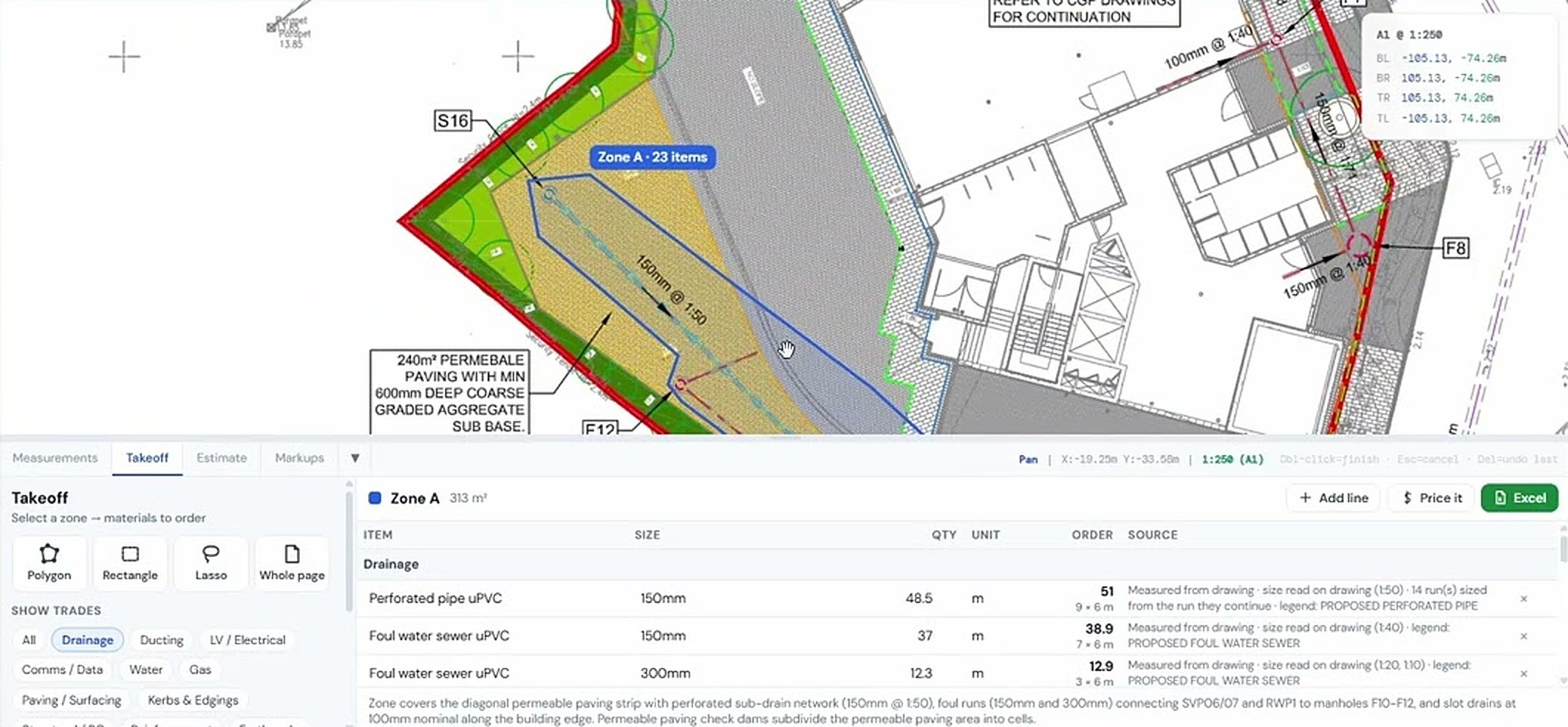
QA inspection against a PDF drawing
Drainage QA from IFC
Same project, other tools
It all works together


Used by Civil engineers, Groundworks & drainage contractors and Quality managers.
Try qa inspections on your own drawing
No account needed for your first takeoffs. 14-day free trial after that.
Open USEQUANTR