UQ-03 · IFC viewer
Open the model. Ask it anything.
Open IFC models from Revit, ArchiCAD or Tekla in the browser. Read coordinates and levels, measure in 3D, get concrete, excavation and fill volumes and pull a quantity schedule by type.

What it does
IFC viewer, in detail
Point ID
Click anywhere on the model for its easting, northing and level. Useful for setting out and for checking what the model actually says.
3D measurements
Distances, areas and volumes measured on the model, for concrete pours, dig and fill.
Select similar
Pick one element and select every matching type at once, then see the totals.
Quantity schedule
Element counts, lengths, areas and volumes by type, exported to Excel.
How it goes
Three steps
Open the IFC
Drag the file in. Nothing to install, it stays in your browser.
Measure and select
Point ID, distances, volumes, properties and select similar.
Take the numbers
Export the schedule or use the levels on site.
Watch it work
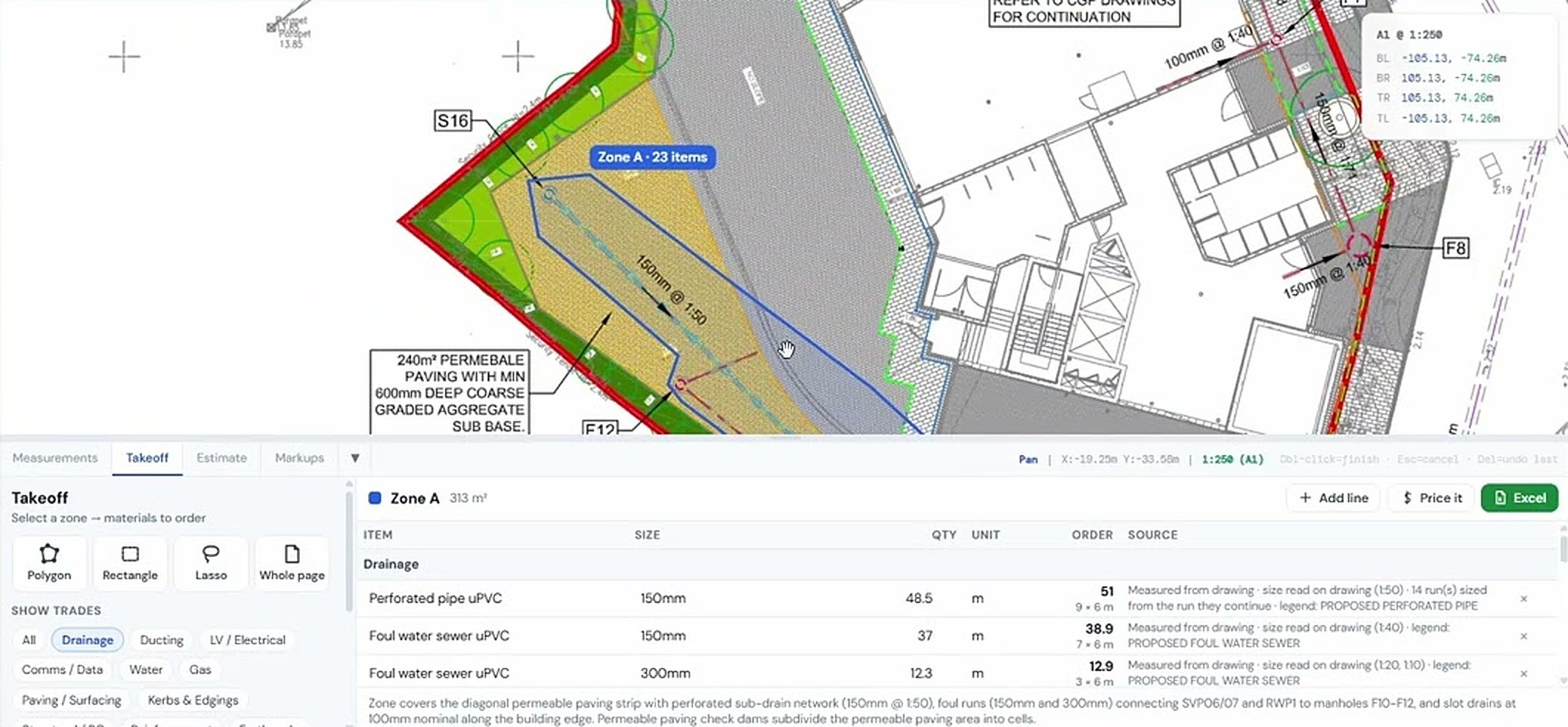
See ifc viewer on a real drawing
Measurement tools in the IFC viewer
IFC AR survey
Same project, other tools
It all works together


Used by Civil engineers and Estimators & QS.
Try ifc viewer on your own drawing
No account needed for your first takeoffs. 14-day free trial after that.
Open USEQUANTR