UQ-05 · As-builts
Record what was built, next to what was designed.
Survey edge positions and slab levels straight onto the model and the drawings. Each survey is saved with the project and switches on and off, so design and as-built sit side by side.

What it does
As-builts, in detail
Snap to edge
Pick the edge of a slab, wall or kerb on the model and record where it was actually built.
Slab level surveys
Record levels across a slab and see the difference from design at every point.
Saved on the model
Surveys stay with the project. Turn each one on and off to compare.
On drawings too
Mark as-built positions on the PDF next to the design for the record.
How it goes
Three steps
Open the model
Load the IFC or drawing for the area.
Survey
Snap to edges and record levels as you go.
Compare and share
Toggle surveys on and off and export the results.
Watch it work
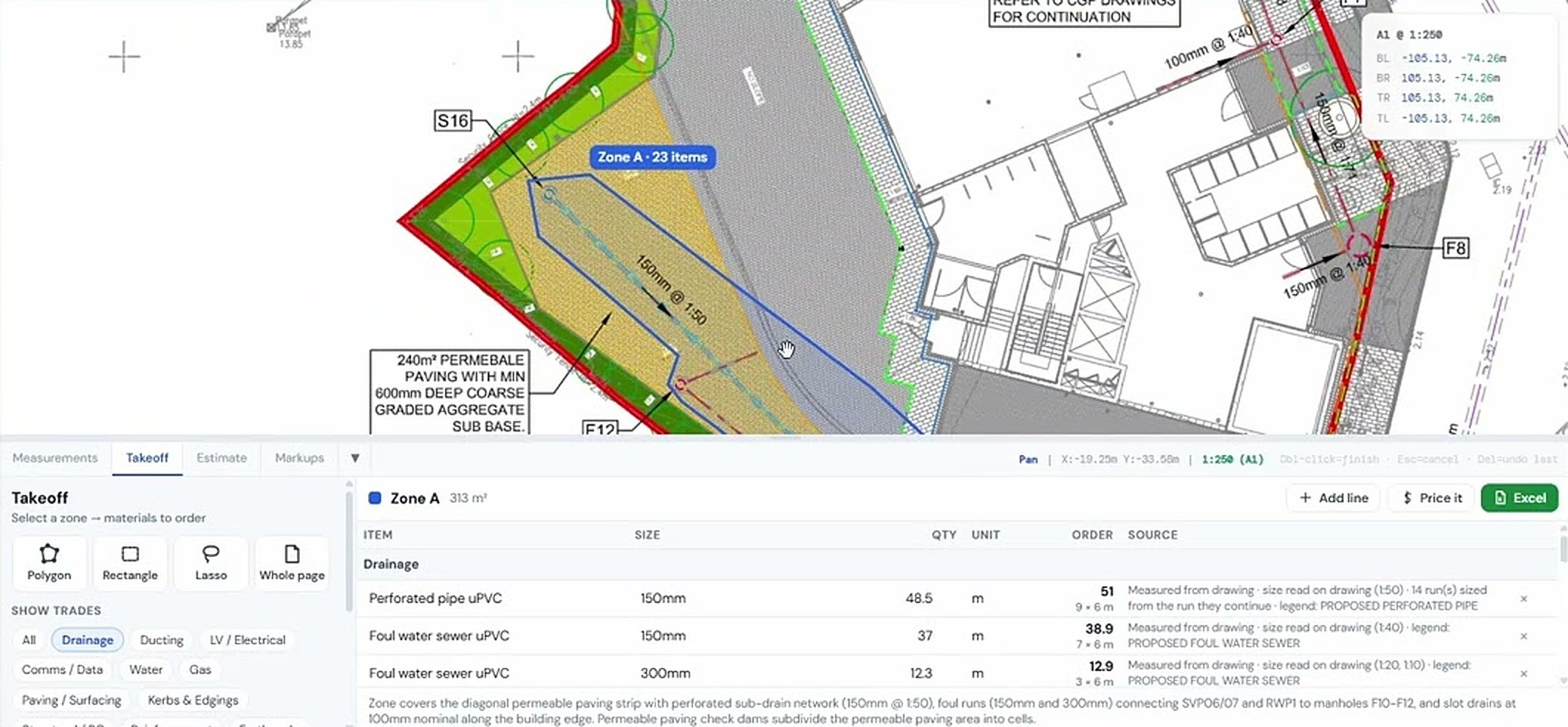
See as-builts on a real drawing
IFC AR survey
Same project, other tools
It all works together


Used by Civil engineers, Groundworks & drainage contractors and Quality managers.
Try as-builts on your own drawing
No account needed for your first takeoffs. 14-day free trial after that.
Open USEQUANTR