UQ-02 · Markups & measurements
Mark it up. Measure it. Send it.
Text, call-outs, clouds, arrows and stamps that snap where you put them and look the way you want. Calibrate once and measure lengths, areas, counts, angles and volumes straight on the sheet.

What it does
Markups & measurements, in detail
Call-outs that behave
Leaders snap to the point you mean and the text box stays readable. Change colour, size and style per markup or for the whole set.
Every measurement you use
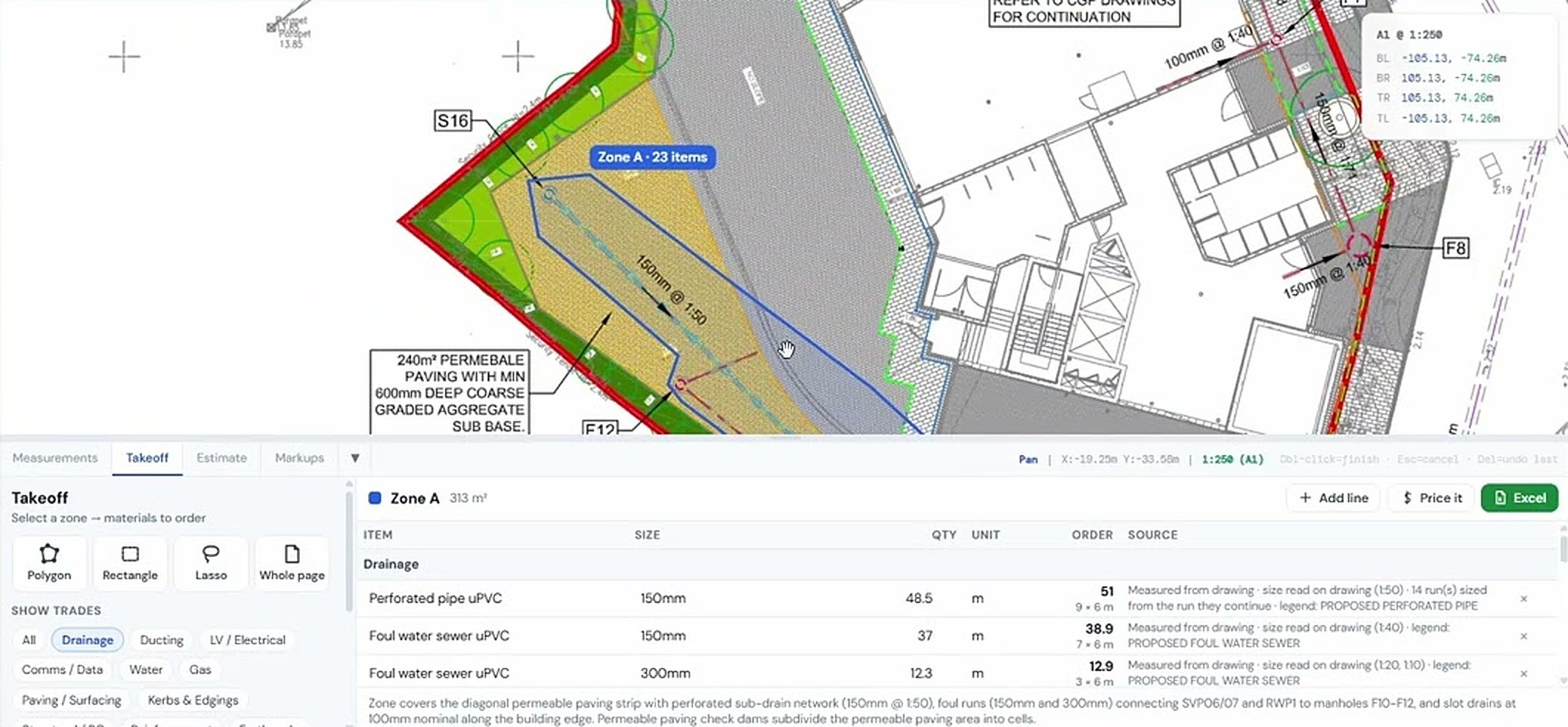
Linear, area, perimeter, count, angle, radius, diameter and volume, all on the calibrated drawing.
Compare revisions
Overlay two revisions of the same drawing and see what moved.
Works on scans too
Markups and measurements work on any PDF, including scanned sheets.
How it goes
Three steps
Calibrate
Pick a known dimension or the drawing scale.
Mark up and measure
Use the toolbar or shortcuts; everything is editable afterwards.
Save the PDF
Save the marked-up PDF or keep it in the project for the team.
Watch it work
See markups & measurements on a real drawing
PDF markups: text and call-outs
Using measurements on a PDF drawing
Same project, other tools
It all works together


Used by Civil engineers, Estimators & QS and Groundworks & drainage contractors.
Try markups & measurements on your own drawing
No account needed for your first takeoffs. 14-day free trial after that.
Open USEQUANTR