UQ-06 · Reports & exports
Everything ends up somewhere useful.
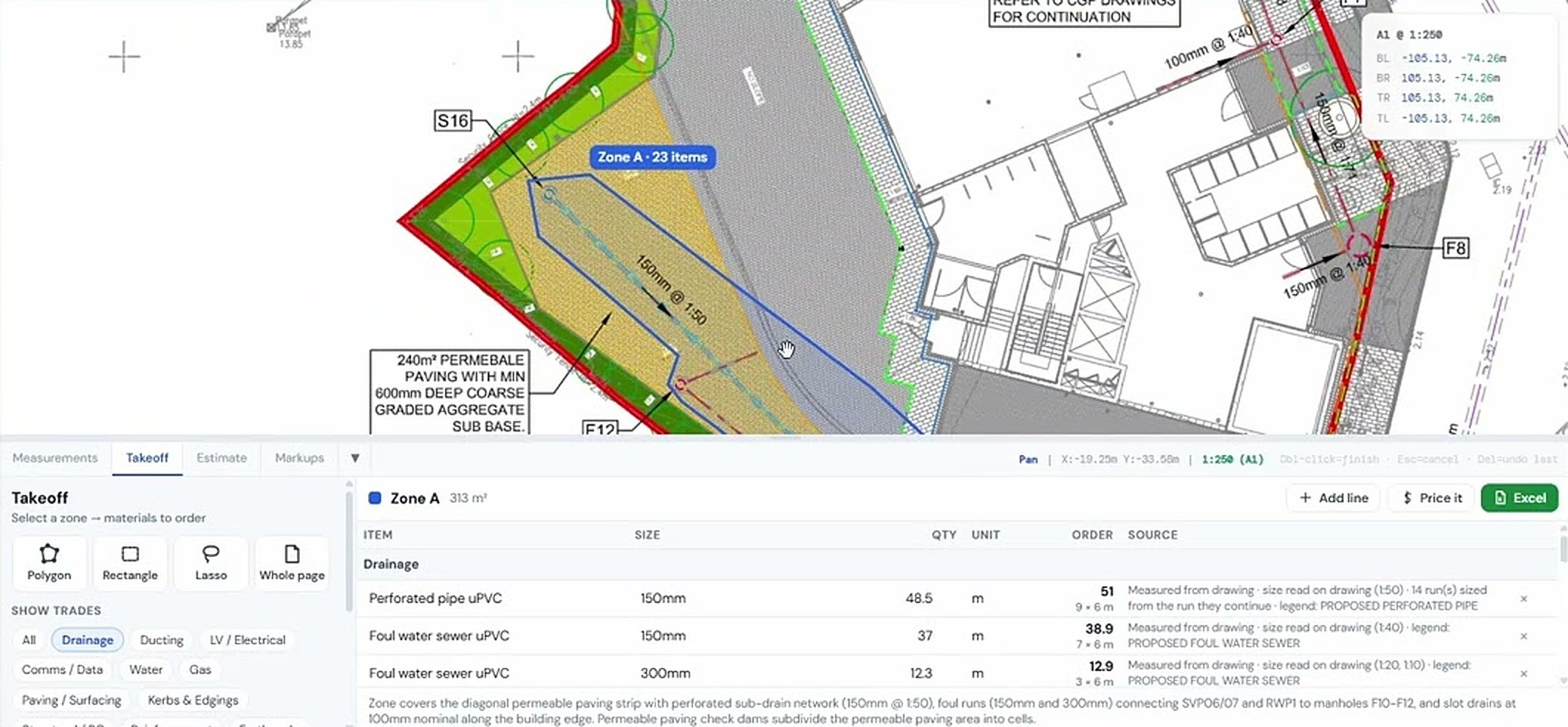
Takeoffs, model quantities and inspections export as formatted Excel schedules and PDF reports that are ready to send, not raw data you have to tidy up.

What it does
Reports & exports, in detail
Formatted .xlsx
Schedules grouped by trade with units, totals and the source of every line.
PDF reports
QA reports with your logo and layout, and marked-up drawings saved as PDF.
One project
Drawings, models, takeoffs and inspections live together, so exports pull from the same place.
Browser or desktop
Works the same in the browser and in the free Windows app.
How it goes
Three steps
Do the work
Takeoff, measure or inspect as normal.
Export
Excel or PDF from the panel you are in.
Send
Straight to the client, QS or the team.
Same project, other tools
It all works together


Used by Estimators & QS and Quality managers.
Try reports & exports on your own drawing
No account needed for your first takeoffs. 14-day free trial after that.
Open USEQUANTR